A Local Services Ad was reported to hide its phone number
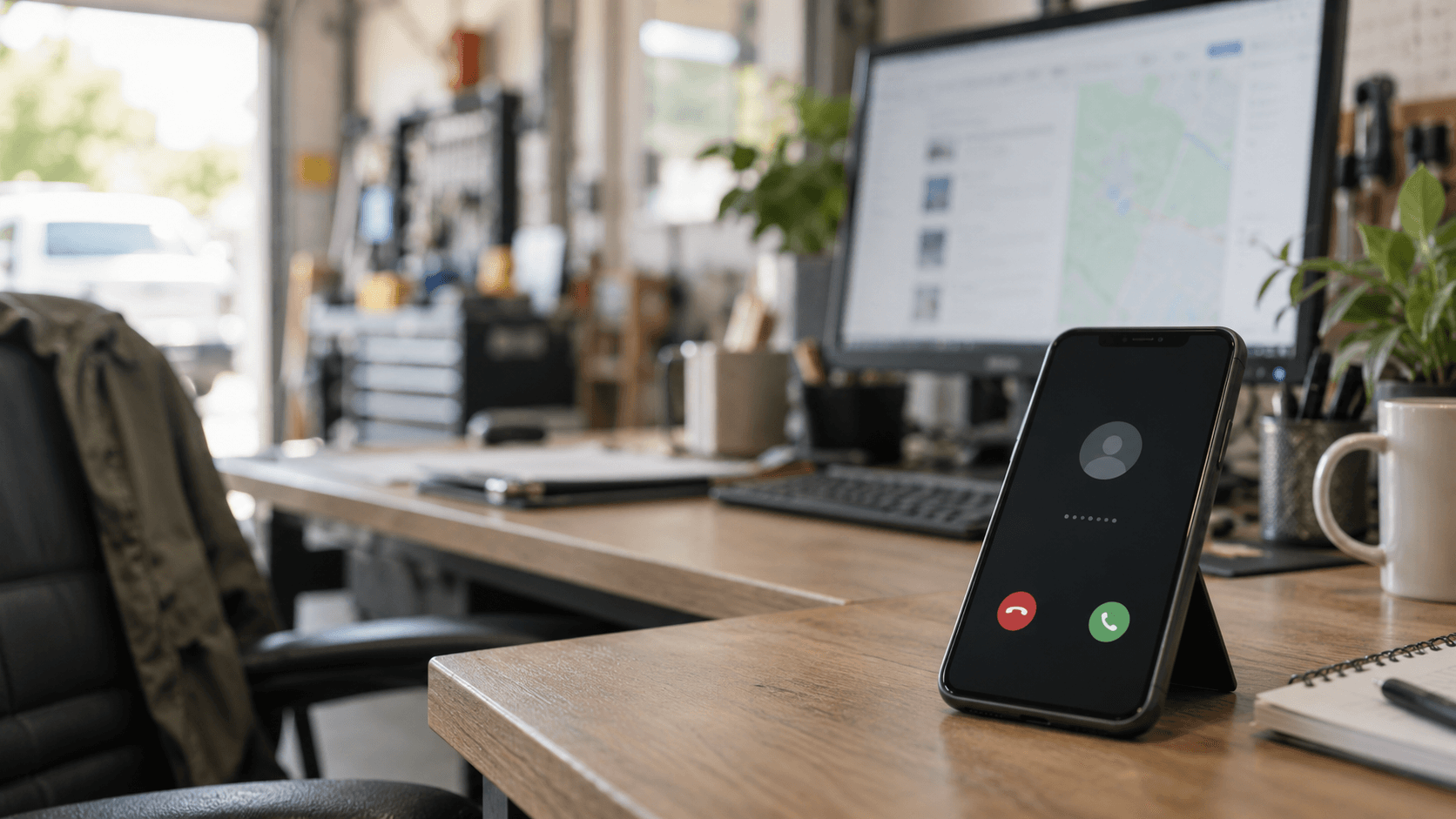
A Local Services Ad was reported to hide its phone number until interaction
On 2026-10-02, Search Engine Roundtable reported one Local Services Ad that initially hid its phone number behind a “Get phone number” control and revealed it when the pointer moved near the ad.1 Google’s help pages separately document tracking and forwarding behavior; its lead-management guidance does not apply to partner-affiliate advertisers. The pages also say Local Services ad formats may show more or less information.23 The report does not establish a Google-wide default, rollout, test, bug, or change to organic Maps ranking. If you run Local Services Ads, check the ad’s lead record and the business phone that receives forwarded calls. Do not change your organic Maps work because of this observation alone.
| What changed | What the record says | What an advertiser should do |
|---|---|---|
| Phone display | One reported ad showed “Get phone number” before the number appeared after pointer interaction.1 | Treat the display as a dated observation, not a confirmed default. |
| Call routing | Google says a tracking number appears and calls to it are forwarded to the business phone.2 | Keep the business phone current and check the Local Services lead inbox for calls generated by the ad.3 |
| Number selection | Google says the displayed number is dynamic, changes often as different people search on Google and click and interact with the ad, and cannot be chosen by the advertiser. Google’s lead-management guidance does not apply to partner-affiliate advertisers.3 | Do not try to set a permanent Google tracking number. |
| Ad format | Google says it may adjust the format and that alternate formats may include more or less information.2 | Compare the customer-facing display with the dated lead record before assuming a product-wide change. |
| Organic visibility | Google says payment cannot buy a better organic local ranking.4 | Keep paid lead records separate from organic Maps observations. |
What did Search Engine Roundtable report on October 2?
The report describes one Local Services Ad that showed a “Get phone number” control until pointer interaction revealed the number, but it does not measure how widespread the display is.
Search Engine Roundtable published the observation on October 2, 2026. The report says the author was unsure whether the behavior was new. That uncertainty stays with the observation because the report gives no broader sample or Google announcement.1
Why might the phone number appear only after interaction?
Google’s documented ad-format flexibility could allow a different phone-display treatment, but Google’s help pages do not identify the specific trigger behind this reported display.
Google says a Local Services Ad can display a tracking number that forwards calls to the business phone. Google also says the displayed number is dynamic, changes often as different people search on Google and click and interact with the ad, and cannot be selected by the advertiser. Google’s lead-management guidance does not apply to partner-affiliate advertisers.23 Those statements explain the forwarding mechanism. They do not say that the “Get phone number” control is a new standard or that pointer movement controls every Local Services Ad.
Google’s overview also says the ad format may change and that alternate formats can show more or less information.2 That makes a format difference a plausible explanation, not a confirmed explanation for the particular ad in the report.
What should a Local Services Ads advertiser check this week?
Check the desktop Local Services lead inbox for calls generated by the ad, confirm the business phone that receives forwarded calls, and record any display difference with its date and context.
- Sign in to the Local Services lead inbox on desktop and open the Leads section. Google says the inbox includes records of leads and lets advertisers review phone calls generated by the ad.3
- Confirm that the business phone receiving forwarded calls is current. Google says calls to the displayed tracking number are forwarded to the actual business number.23
- If the display differs from your previous view, record the date, device, search context, and whether the phone number was visible before interaction. Keep that record separate from your organic Maps visibility notes.
- Do not assume that a hidden number means calls stopped. Use the lead record to check paid activity, then compare it with the standing explanation of Local Services Ads and organic Maps ranking.
Google’s lead guidance says its lead-management information does not apply to partner-affiliate advertisers. It also says call recordings and messages are unavailable for health-care verticals and tax specialists, so the exact evidence in the inbox depends on the advertiser’s setup.3
Does hiding the phone number change organic Google Maps ranking?
No. A reported phone-display change in a paid Local Services Ad does not establish a change to organic Maps ranking.
Local Services Ads are a paid lead surface.5 Google says businesses cannot request or pay for a better organic local ranking, and describes local results as mainly based on relevance, distance, and popularity.4 For the broader paid-versus-organic distinction, use the Google Local Services Ads hub and its standing answer on Local Services Ads and Maps ranking.
Is this a confirmed Google-wide default?
No. The October 2 report records one observed ad and asks whether the behavior is new; it does not confirm a rollout, test, or bug.
Google’s current overview says it can adjust Local Services ad formatting and that alternate formats may contain more or less information.2 That documentation supports keeping an eye on the customer-facing display. It does not turn one reported observation into a Google-wide product announcement.
FAQ
Google documents forwarded and changing phone numbers for Local Services Ads, while the October 2 report documents one display in which the number appeared after pointer interaction.
Will a Local Services Ad use my real business phone number?
Google says the tracking number shown in a Local Services Ad forwards calls to the actual business phone number. Google also says the displayed number is a dynamic Google forwarding number that changes often as different people search on Google and click and interact with the ad. Google’s lead-management guidance does not apply to partner-affiliate advertisers.23
Can I choose the Google tracking number?
No. Google says the displayed forwarding number changes often as different people search on Google and click and interact with the ad, and advertisers cannot choose the tracking number. Google’s lead-management guidance does not apply to partner-affiliate advertisers.3
Where can I see calls from my Local Services Ad?
Sign in to the Local Services lead inbox on desktop and open Leads. Google says the inbox lets advertisers review phone calls generated by the ad. Google’s lead-management guidance does not apply to partner-affiliate advertisers, and call recordings and messages are unavailable for health-care verticals or tax specialists.3
Keep this report with the paid channel in the Google Local Services Ads hub, and use the Local Services Ads and Maps ranking answer for the standing distinction.
Sources
-
Search Engine Roundtable, “Google Local Service Ads Hiding Phone Number By Default,” published 2026-10-02, read 2026-10-03. Read the report
-
Google Local Services Help, “Local Services Ads overview,” read 2026-10-03. Read Google’s overview
-
Google Local Services Help, “Manage leads and jobs,” read 2026-10-03. Read Google’s lead guidance
-
Google Business Profile Help, “Tips to improve your local ranking on Google,” read 2026-10-03. Read Google’s local-ranking guidance
-
Google Local Services Help, “Getting started with Local Services Ads,” read 2026-10-03. Read Google’s Local Services Ads introduction
Want to see how YOUR business ranks on Google Maps?
Get your free Visibility Score. No signup required.
Get Your Free ScoreRelated Articles
Google Ads business-name rules change in October 2026
Google will allow limited Google Ads business-name differences in October 2026. Check the three conditions and keep Ads, GBP, and LSA names separate.
Google's Search profile Follow button briefly disappeared on desktop
Search Engine Roundtable saw Google's Search profile Follow button disappear on desktop, then return. Here is what local business owners should leave unchanged.
AI Overviews: a Loading button test was reported on September 28, 2026
Google was reported testing a Loading button in AI Overviews. Here is what changed, what remains unconfirmed, and what local business owners should monitor.