Troubleshooting
Why is my Google profile suspended for a virtual office or P.O. Box?
A mail-only virtual office or P.O. Box is not an eligible operating location, so using one may violate Google’s Business Profile guidelines.1 Google may suspend a profile that violates its guidelines, but the address alone does not establish why a specific profile was suspended; check the decision and policy link in the appeals tool.12 Correct the profile to match the real business, then prepare matching evidence before submitting one eligible appeal.132 Google says an appeal review can take up to 5 business days.24
The key distinction is whether customers visit a real operating location, the business travels to customers, or the address only receives mail. A hidden address can describe a legitimate service-area business, but it does not turn a virtual office or P.O. Box into an operating location.13
Read moreShow less
By Sergey Sulimko, Founder · · 4 Google help pages, read Nov 17 - Nov 18, 2026
- appeal review period
- 5 business days
How do I tell which address rule applies to my business?
Use the business's real operating model, not the address that is most convenient for receiving mail.
| What is true about the business | Google rule1 | What to do next |
|---|---|---|
| Customers visit a real storefront or office where the business operates. | A customer-facing location may have a profile. If the business also serves customers away from the location, it is a hybrid service-area business; the location must be staffed by the business and able to receive customers during its stated hours.1 | Enter the real street address. For a hybrid business, show that address and set the service area. Do not substitute a mailing address for the staffed location.1 |
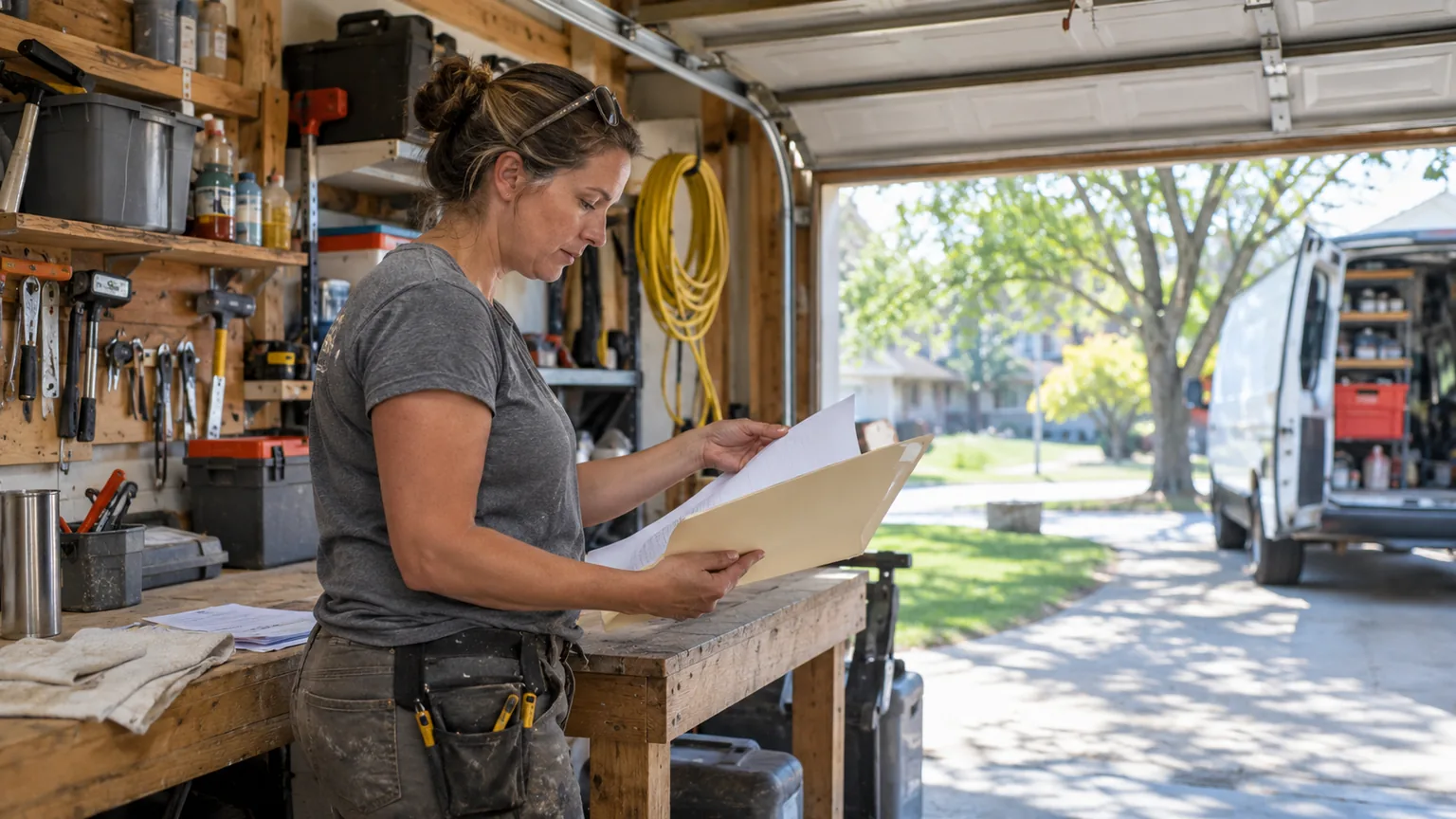
| The business runs from home and travels to customers, such as a plumber who does not receive customers at home.1 | A service-area business may use 1 profile for its central operating location and should hide its address from customers. | Use the real home or other central location, hide the address, and set the service area. Do not replace the hidden address with a P.O. Box or virtual mailbox. See how service-area businesses work on a Google Business Profile.13 |
| The address is a P.O. Box, remote mailbox, or virtual office used only for mail.1 | A P.O. Box or remote mailbox is not an acceptable business address. A rented virtual office is ineligible when the business does not operate there; a service-area business may list a virtual office only if it is staffed during business hours. | Remove the mail-only address as the business location. Use the real operating location or the service-area model that reflects how customers are served. Hiding the address does not make a mail-only location eligible.13 |
| The business uses a coworking office. | Google permits it only if the office has clear signage, receives customers during business hours, and is staffed during those hours by the business's own staff. | Keep the coworking location only if all three conditions are true. The coworking operator's front desk alone does not establish that your business staffs the office.1 |
For example, a plumber who works from home and travels to customers can use the real home base for a service-area profile and hide that address from customers; a rented mailbox downtown is not a replacement for the home base.13 A business that rents a coworking room but has no staff there during its stated hours does not meet the coworking rule just because the building has a staffed reception desk. These examples turn on how the business operates, not on the label printed on a lease or mailing envelope.1
How do I correct the profile and submit an appeal?
First read the decision in Google's Business Profile appeals tool, then correct the location and prepare the evidence before submitting one eligible appeal.32 The tool identifies the selected profile and decision, the reason, the linked policy, appeal eligibility, and status.2 That makes the address rule a check to compare with the decision, not proof by itself that the address caused this suspension. Follow this sequence:
Sign in to the Google account connected to the profile. In the appeals tool, select the profile and decision. Read the reason, linked policy, appeal eligibility, and status before deciding what to change.2
Compare the profile's location and address visibility with the way the business actually operates. Decide whether customers visit a storefront, the business travels to customers, or the address only receives mail.1 Use the table above for the matching location model.13
Correct the location settings in the profile at Edit profile → Location → Business location → Edit.3 Enter the real street address for a customer-facing location. For a business that travels to customers and does not receive them at its base, turn off Show business address to customers and set the service area.13 Google says to include building, suite, floor, or other unit information only when it is part of the official address.3 A remote P.O. Box or mailbox is not an operating location and cannot replace the physical address.13
If Google marks part of the address in red, correct that field and try again. If the real street address has no street number or Google still cannot locate it, select Adjust, move the map pin onto the actual business location, then select Done → Save.3 The pin represents where the business operates; it should not be moved to a mail pickup point or the center of a service area.13Gather legible official records that support the business and location, such as business registration, a business license, tax certificates, or business utility bills. Compare the business name and address shown on each document with the profile. Use this check before deciding which files to attach:32
Candidate evidence Check it against the profile Business registration, license, or tax certificate The business name and address on the record match the name and address on the profile.32 Business utility bill for electricity, phone, water, internet, or cable The document is legible and shows the business name and address you are using to support the profile.24 Choose only records that truthfully support the profile under appeal. Evidence is optional, and Google recommends preparing it before submitting.32
If accurate records and the real operating address differ, do not alter a document or describe it as proof of an address it does not show. Google requires matching details but does not give a general process for reconciling conflicting official and operating addresses; follow any case-specific instructions in the appeals tool.32
If the tool says the decision is eligible for appeal, attach the optional evidence and enter your explanation before selecting Submit appeal.24 Check that the intended files are attached, then confirm and submit.2 Google says the tool accepts 1 submission per appeal; do not create another profile for the same business or submit another appeal for the same issue while a decision is pending.24
Check the appeal status in the tool and wait for the decision before taking another appeal step. Google says a review can take up to 5 business days. The appeal status is the place to confirm whether the review is still pending; do not use a second profile to work around that wait.24
What should I explain in the appeal?
Google's appeals tool provides a text box for explaining why the profile should be reinstated. Keep the explanation tied to the decision shown in the tool and to facts you can support. A useful order is: identify the operating model, state what you corrected, then connect each attached document to the business name or location it supports.2
Read the full section
For a home-based service-area business, explain that customers are served at their locations, identify the real base used for the profile, and say that you hid the address from customers and set the service area if that is what you did.13 Do not describe the home as a customer-facing storefront if customers are not received there. For a coworking office, address each eligibility condition separately: clear signage for your business, customers received there during the stated hours, and your own staff present during those hours.1
For a storefront or hybrid business, describe the customer-facing location and explain whether customers can visit it during the profile's stated hours. If it also travels to customers, explain the service area separately from the staffed location.1 For any model, make the explanation match the current profile settings and the records you attach.
An explanation can be brief: “This business [serves customers at its location / travels to customers]. We changed the profile to [specific location setting]. The attached [document] shows [the business name or address] used on the profile.” Fill in only the details that are true for the business.12
What if the corrected address does not appear right away?
Google says profile changes usually appear in about 10 minutes, but some can take up to 30 days.3 After saving an address change, check the profile's location settings again and confirm that the saved address, address visibility, and service area match the operating model you described in the appeal.
What if Google denies the appeal?
An additional review may be available only after Google denies the reinstatement request. Google says that review can include additional evidence that was not submitted with the original appeal.2 Use that route only when it is offered, and do not create a new profile for the same business while the appeal is under review.24
For a separate look at local search visibility, use the free Google Maps visibility audit.
Maps Agent service
Where your profile stands now
Visibility Score 0-100 · 20 scored factors · free · no signup
- Profile Completeness
- 11 checks · 40% of score
- Performance
- 4 checks · 35% of score
- Competitive Position
- 5 metrics · 25% of score